
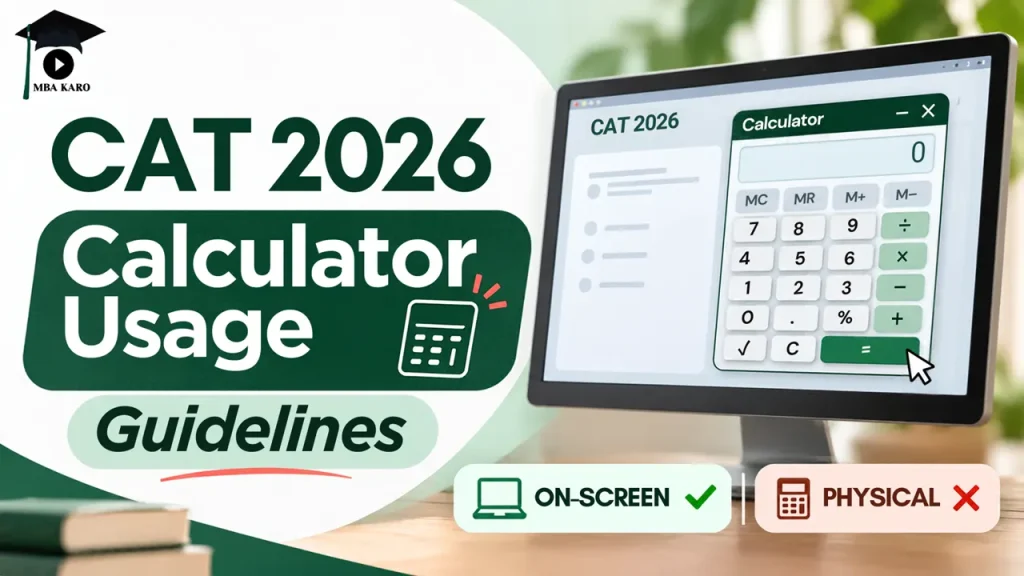
The CAT 2026 exam will be conducted on November 29, 2026 (Sunday), in three shifts. Candidates will have access to an on-screen calculator for basic mathematical calculations.
However, the calculator has limited functions, and you must understand how to use its different operators before the examination.
The CAT 2026 calculator supports basic operations such as percentage, square root and inverse calculations. You can operate it using the buttons displayed on the computer screen with your mouse. Keyboard operation is disabled.
Knowing the correct calculator usage guidelines can help you avoid calculation errors during the exam. Here is everything you need to know about the CAT 2026 on-screen calculator, including its functions, percentage rules, memory options and limitations.
CAT 2026 Exam Pattern: Section-Wise Duration and Questions
Before understanding the calculator instructions, check the CAT 2026 exam pattern. The examination will have 68 questions divided into three sections.
| Section | Number of Questions | Duration |
| VARC | 24 | 40 minutes |
| DILR | 22 | 40 minutes |
| Quantitative Ability | 22 | 40 minutes |
| Total | 68 | 120 minutes |
The marking scheme for CAT 2026 is as follows:
- Correct answer: +3 marks
- Incorrect MCQ: -1 mark
- Incorrect Non-MCQ: No negative marking
CAT 2026 On-Screen Calculator: Available Functions
The on-screen calculator provided during CAT 2026 will support basic mathematical operations. You can use it for calculations involving percentages, square roots and inverse values.
The calculator can be operated only through the buttons available on the screen. You need to use your mouse to select the required numbers and operators.
The following functions are available:
| Calculator Function | Purpose |
| Percentage (%) | Calculates percentage values |
| Square Root (√) | Calculates the square root of a number |
| Inverse (1/x) | Calculates the reciprocal of a number |
| Memory Functions | Stores and retrieves calculation values |
| Clear (C) | Clears the current calculation |
CAT 2026 Calculator Usage Guidelines: Important Instructions
Candidates must understand the calculator’s basic operations before using it during the examination. The following instructions will help you use its features correctly.
1. Clear the calculator before a new calculation
Press the [C] button whenever you start a fresh calculation. This will help you avoid carrying forward an earlier value accidentally.
2. Use memory functions for cumulative calculations
The calculator provides memory options to store and manage values. These functions are useful when you need to perform multiple calculations using the same number.
| Button | Function |
| MS | Stores the displayed value in memory |
| M+ | Adds the displayed value to the stored memory |
| MR | Recalls the value stored in memory |
| M- | Subtracts the displayed value from memory |
CAT 2026 Calculator Percentage (%) Operator Guidelines
The percentage operator works as a binary operator. Its general meaning is:
B % A = B percent of A
However, the method of using the percentage operator changes depending on whether you are performing addition, subtraction, multiplication or division.
Percentage with Addition and Subtraction
When using the percentage operator with addition or subtraction, the percentage is calculated relative to the first number.
For example:
| Mathematical Expression | Expression to Calculate | Buttons to Use in the Calculator | Output |
| 250 + 15 × 250/100 | 250 + 15% | 250 + 15 % 250 = | 287.5 |
| 250 + 15 × 250/100 | 250 – 15% | 250 – 15 % 250 = | 212.5 |
Therefore, if you want to add or subtract a percentage, enter the first number, followed by the required operator and percentage value.
Percentage with Multiplication and Division
For multiplication and division, you must use the percentage value in decimal form.
| Mathematical expression | Expression to calculate | Buttons to use in the Calculator | Output |
| 200*20/100 | 200 * 20% | 200 * 20 % 1 = | 40 |
| 200/20/100 | 200 / 20% | 200 / 20 % 1 = | 0.1 |
Understanding this difference is important because using the percentage operator incorrectly can produce a different result.
CAT 2026 Square Root Operator Guidelines
The square root function helps calculate the square root of a given number. You can also use it with addition, subtraction and multiplication.
Check the following examples:
| Mathematical expression | Expression to calculate | Buttons to use in the Calculator | Output |
| (Square root of 9) | Sqrt (9) | 9 Sqrt = | 3 |
| 9+ (Square root of 9) | 9+ Sqrt (9) | 9 + 9 Sqrt = | 12 |
| (Square root of 9) – 2 | Sqrt (9) – 2 | 9 Sqrt − 2 = | 1 |
| (Square root of 9)*2 | Sqrt (9) * 2 | 9 Sqrt * 2 = | 6 |
For example, to calculate the square root of 9, enter 9 and press the Sqrt button. The calculator will display 3.
CAT 2026 Reciprocal (Inverse) Operator Guidelines
You can use this function when solving calculations involving fractions. Here are two examples:
| Mathematical expression | Expression to calculate | Buttons to use in the Calculator | Output |
| 1/3 | reciproc(3) | 3 1/x = | 0.3333333333 |
| 5+1/3 | 5 + reciproc(3) | 5 + 3 1/x = | 5.333333333 |
To calculate the reciprocal of 3, enter 3 and press the 1/x button. The calculator will display its inverse value.
Limitations of the CAT 2026 On-Screen Calculator
Although the on-screen calculator supports several basic mathematical functions, it has certain limitations.
- Keyboard operation is disabled.
- You cannot type numbers or operators using your keyboard.
- All calculations must be performed using the buttons displayed on the screen.
- You need to use your mouse to operate the calculator.
Candidates should practise using the on-screen calculator to become familiar with its buttons and functions before the examination.
Conclusion
The CAT 2026 on-screen calculator can help you perform basic calculations, but knowing how to use its percentage, square root, reciprocal and memory functions is equally important. Practising these operations beforehand can help you avoid mistakes and save time during the examination.
If you are targeting CAT 2027, start preparing with a structured study plan. MBA Karo’s CAT 2027 Course offers preparation support for CAT sections, including VARC, DILR and Quantitative Ability.
With focused practice, concept-based learning, and regular mock tests, you can improve your speed, accuracy, and overall CAT performance.